
Pull the spring back, let go — the table decides the rest.
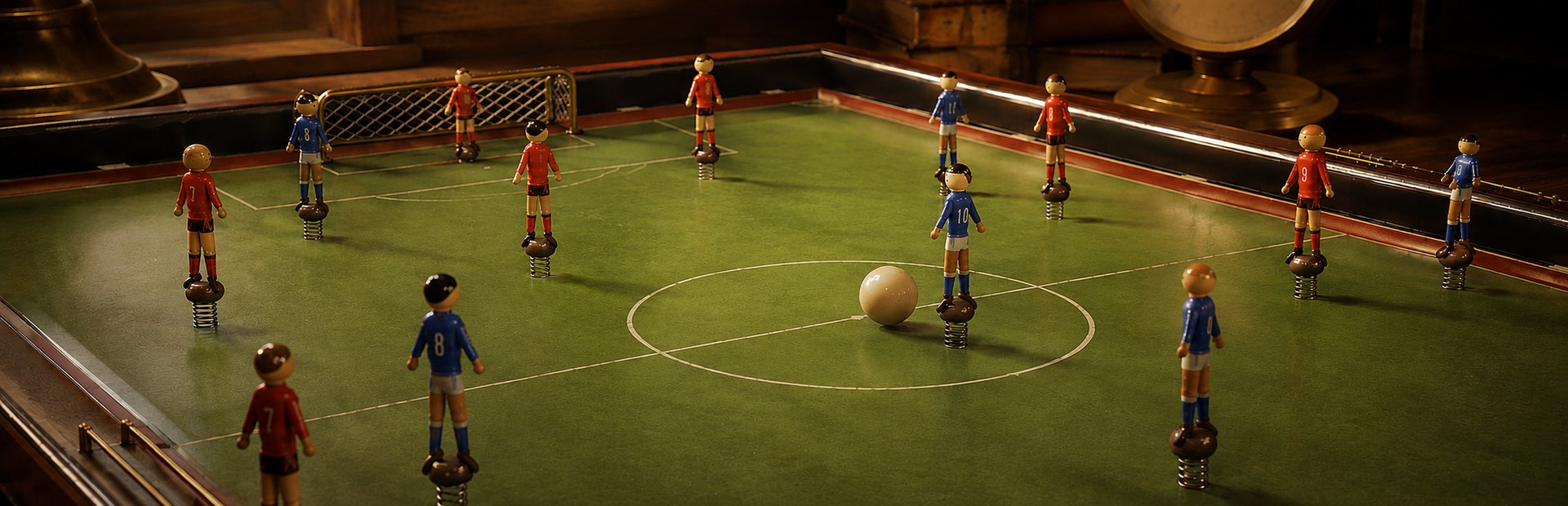
Bring a classic spring football table to your desktop. Each outfield figure is fixed to a spring: hold it with the mouse, pull it back, adjust the angle and release. Build an attack with measured passes, set the ball up for a clean strike and find a way through the figures in front of goal.
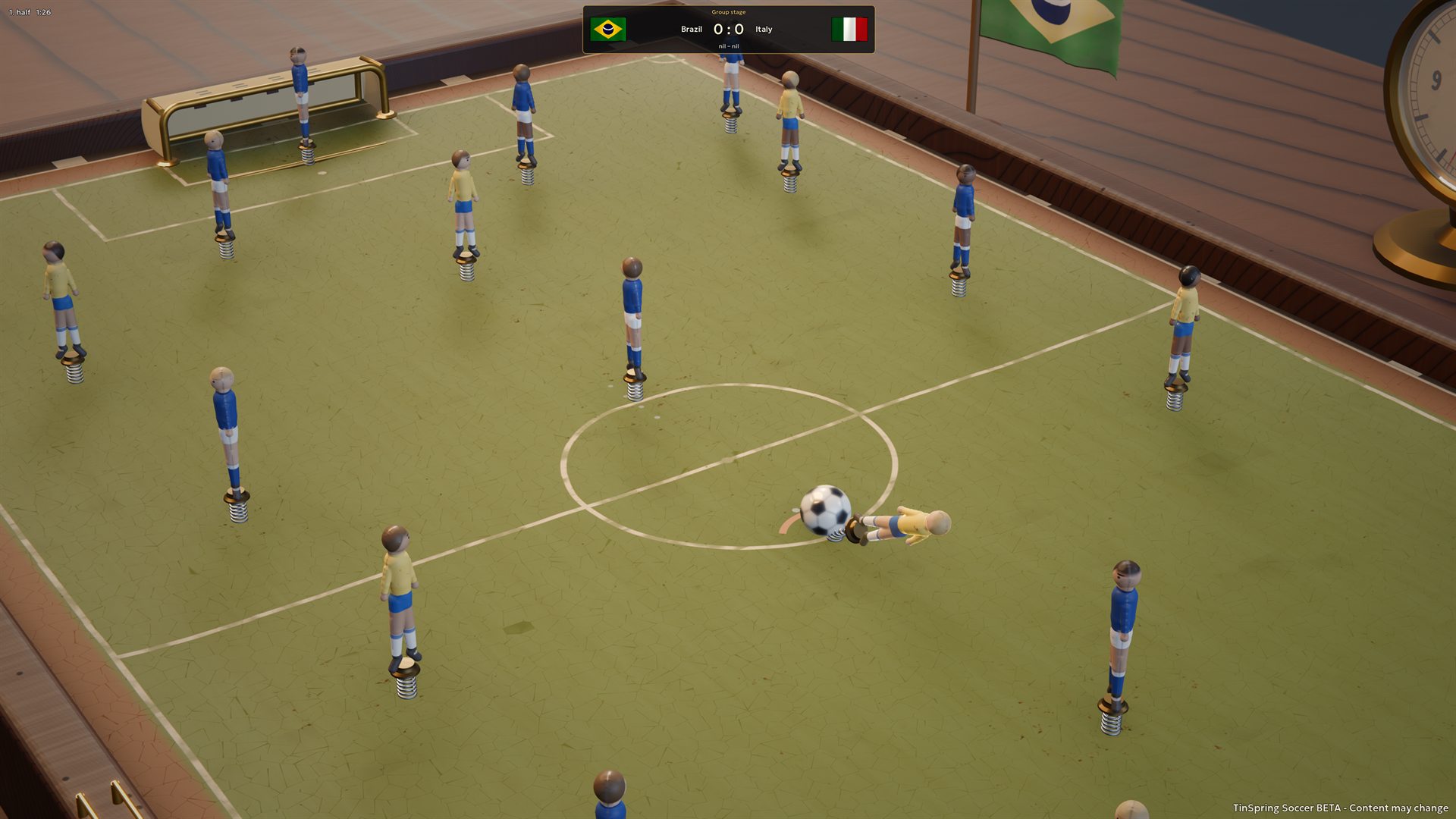
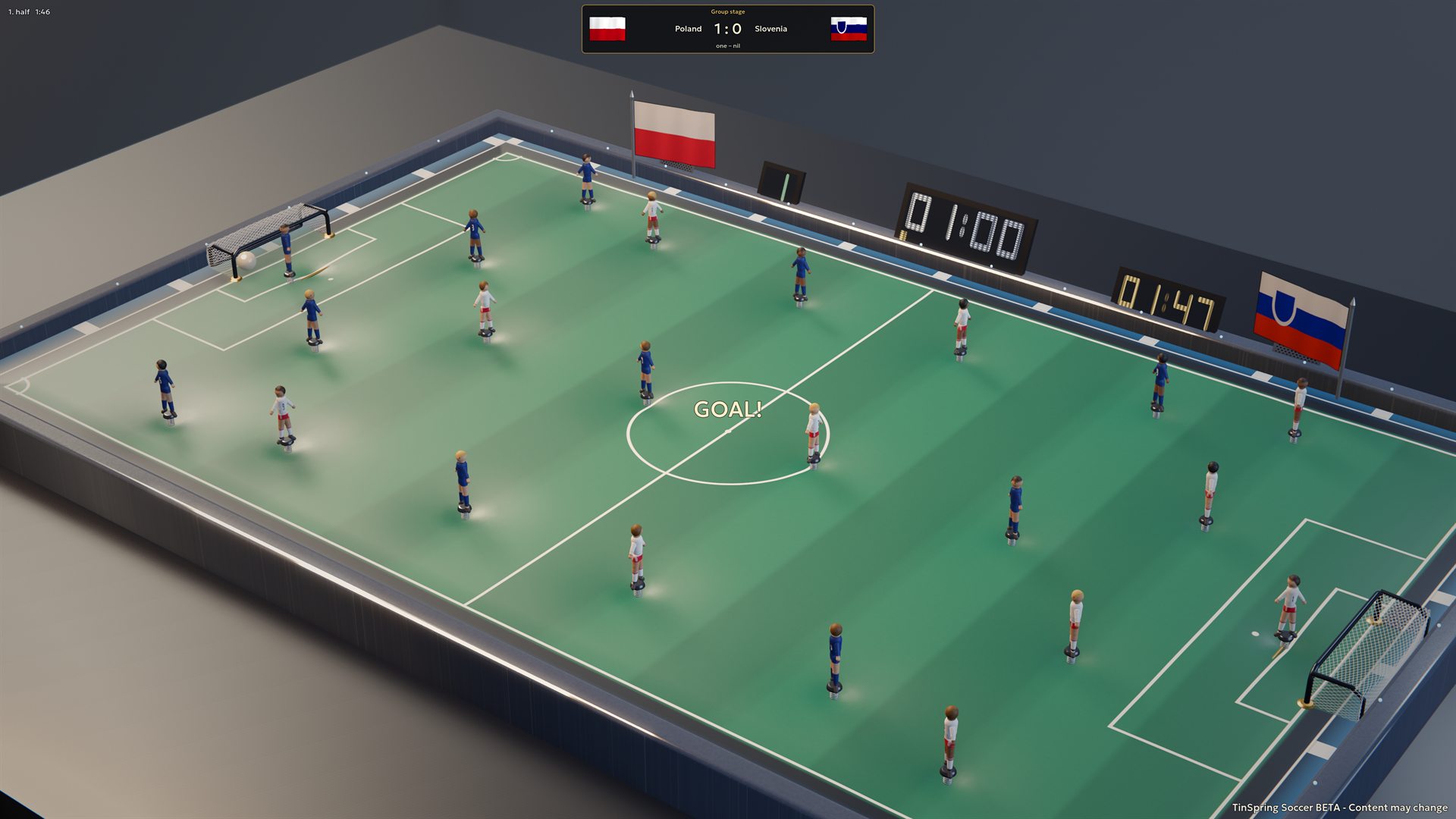
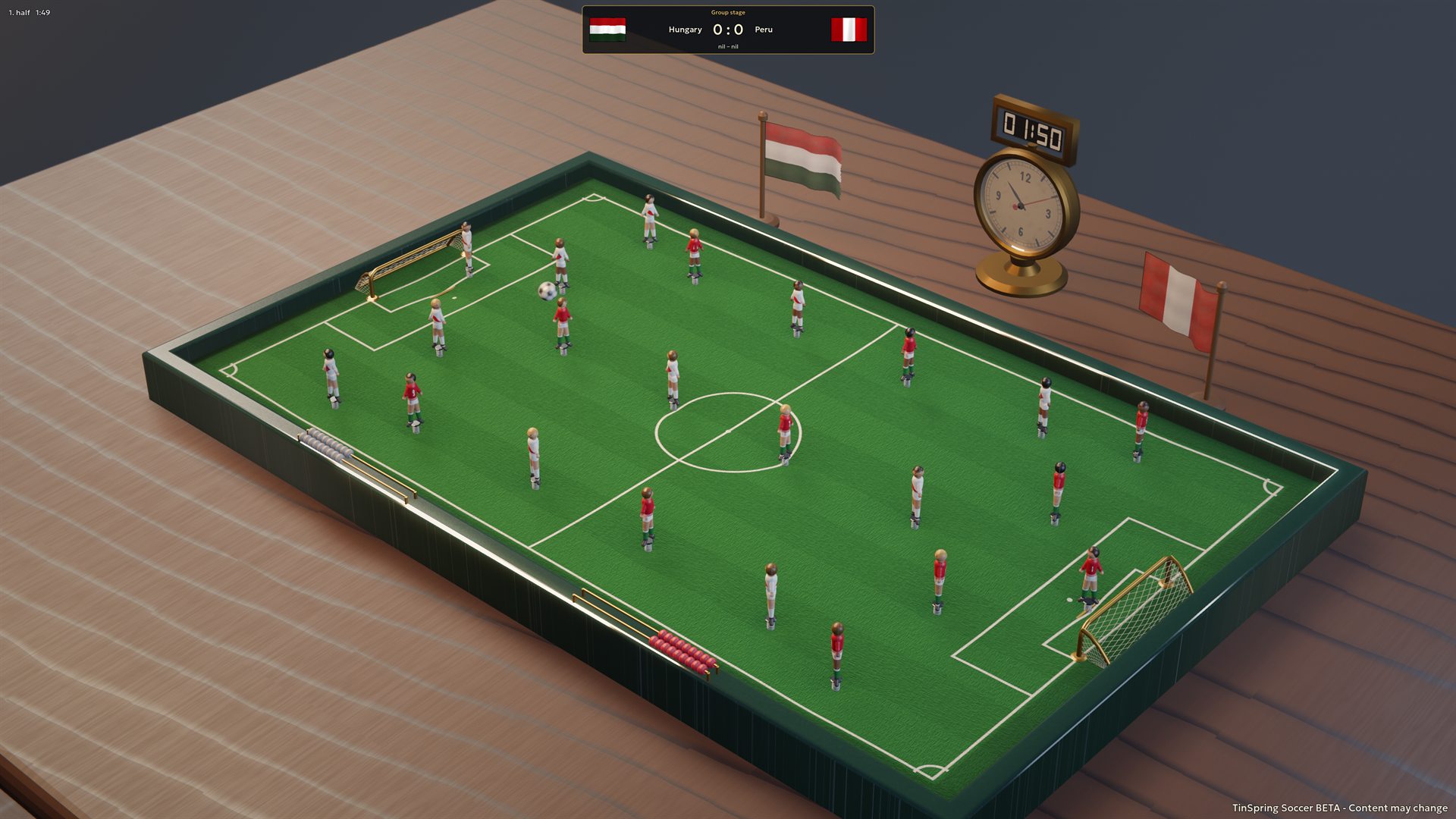
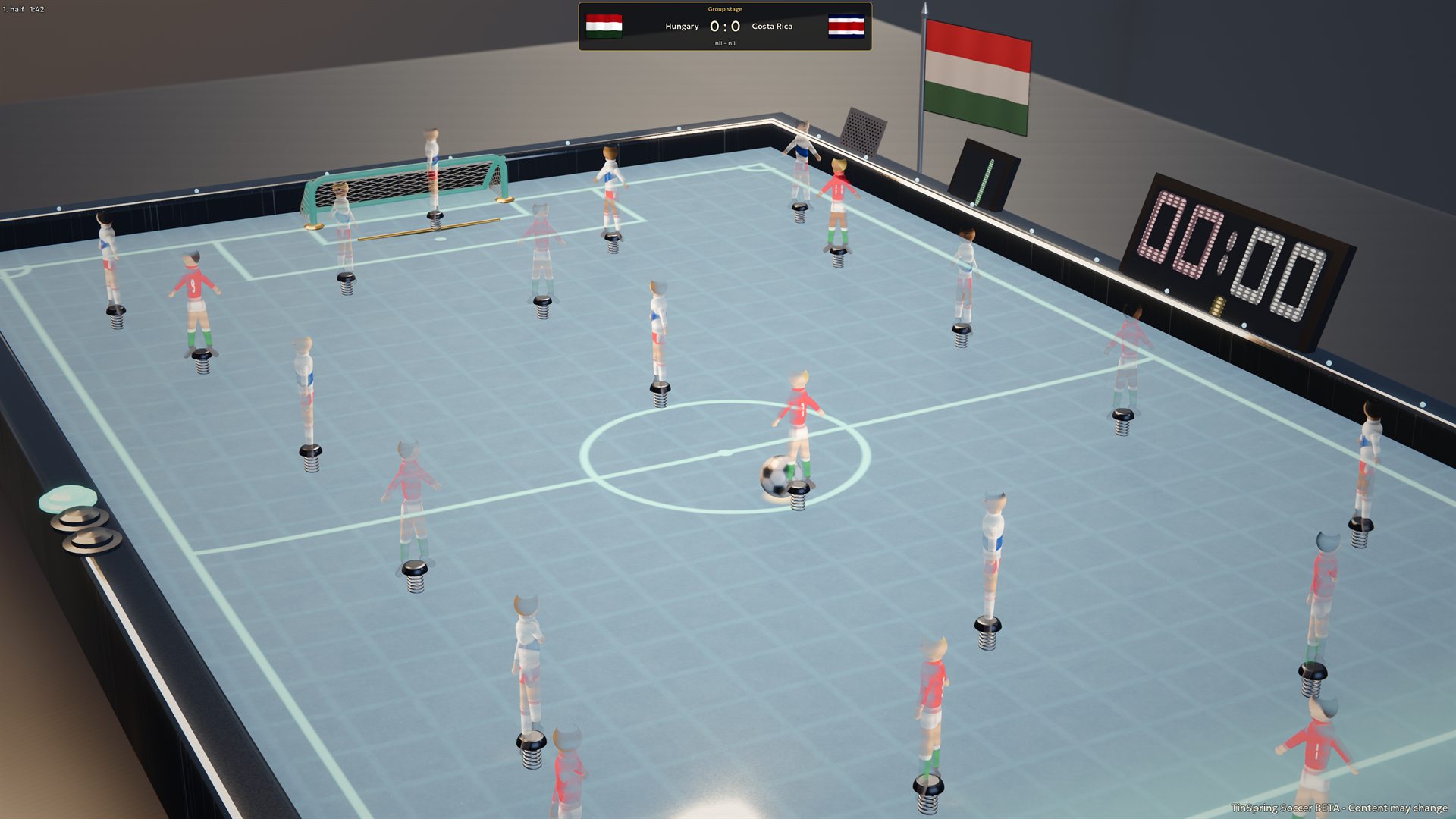
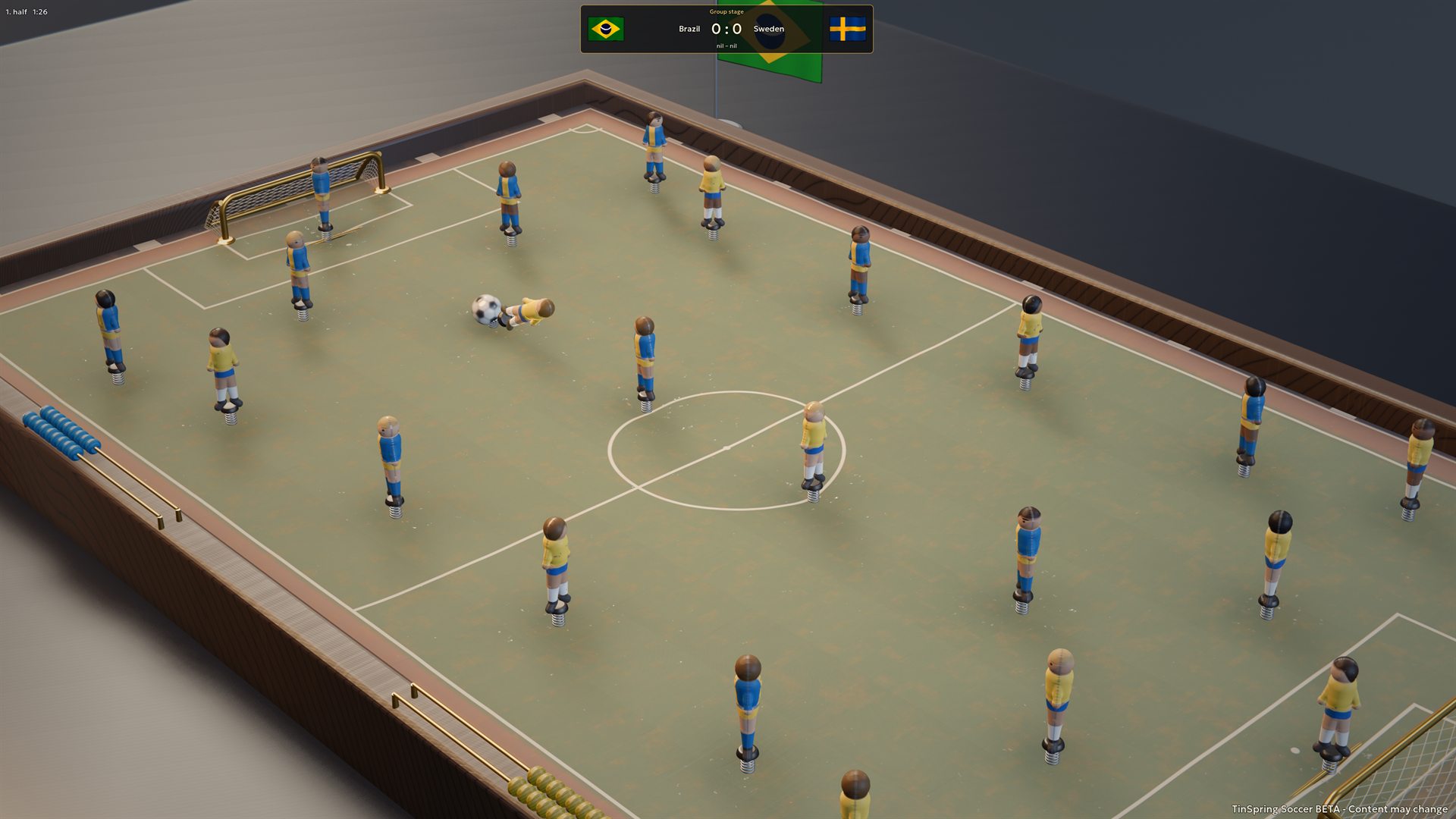
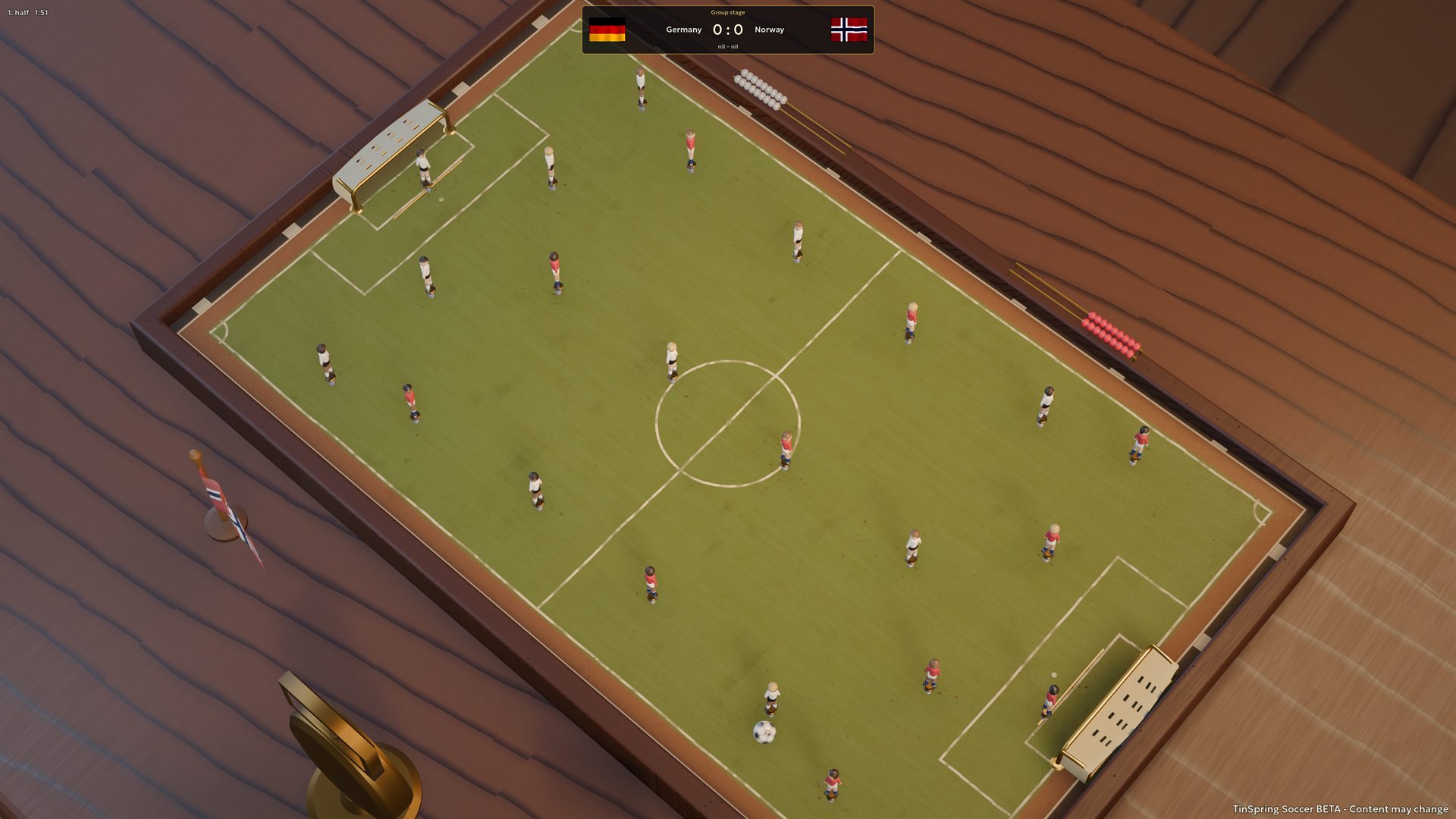
The full game spans ten tables, from old wooden boards and pressed tin to a hologram pitch. Their surfaces change the roll, bounce and path of the ball. Play a quick match, take a nation through a European Championship or World Cup, or share the controls with up to four local players. At half-time the table turns around on the desk for the second half.
What's in it
The surface is the opponent
Tinplate gives a lively roll, baize slows the ball and softens rebounds, and moulded plastic rewards passes off the rail. Each surface asks for a different touch.
A plank with a memory
On the ancient wooden table, the warped surface can bend the path of a rolling ball. Learn the board as well as the shooting angle.
Nations with different approaches
Country profiles combine playing strength with attacking, build-up and width preferences. Beginner, Advanced and Master adjust the challenge on top of those differences.
Cups worth winning
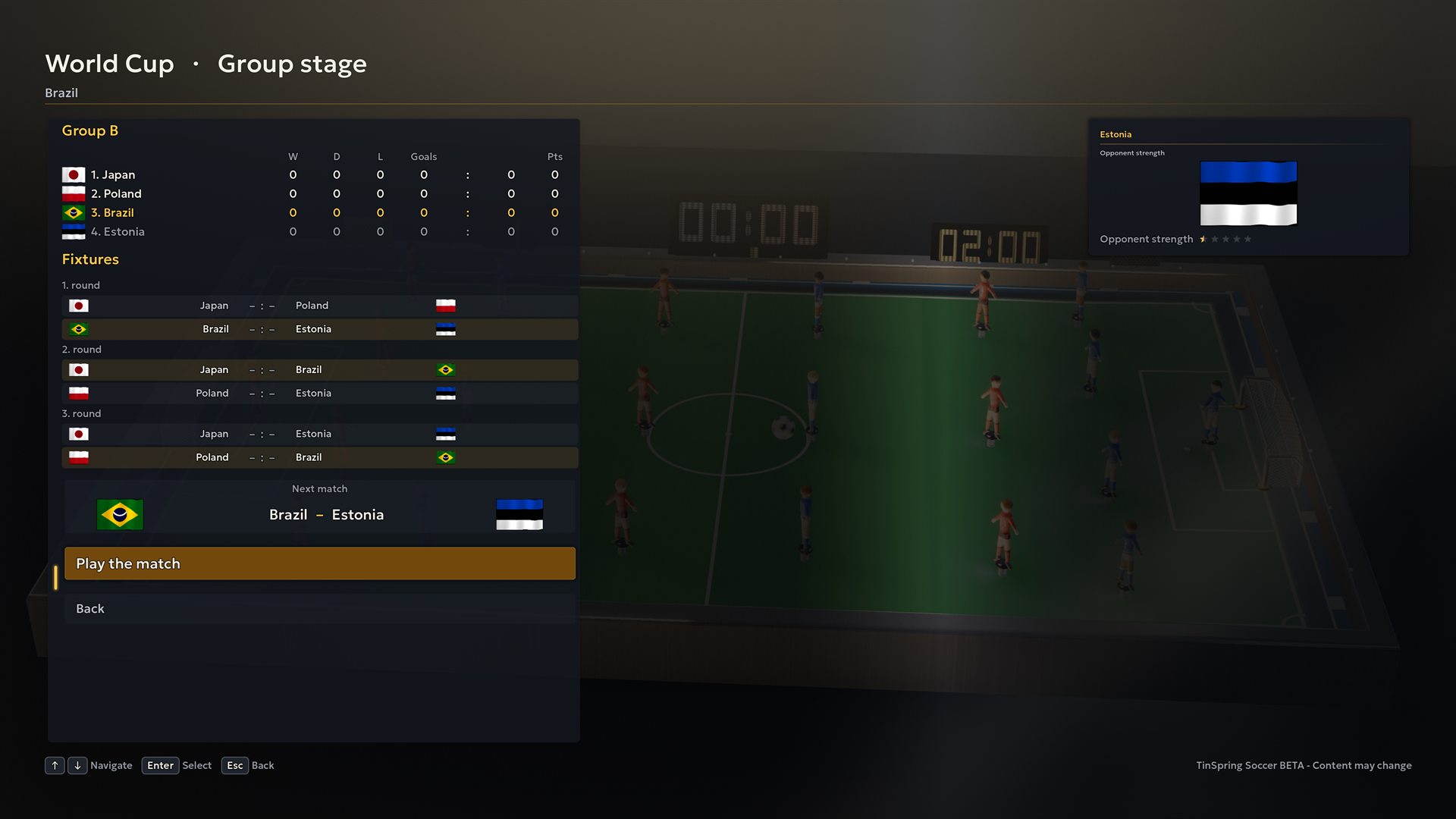
Take a nation through a European Championship or a World Cup, group stage to final, with the draw, the table and the bracket laid out in front of you.
Four people, one table
Share one computer and its mouse or controller. Possession decides which side plays; with four players, teammates alternate flicks in a two-against-two match.
Find your touch
Change the board, choose a ball and refine your pull. The steel ball has more mass than the standard ball, so the same flick feels different.
How to play
Score more goals over two halves. Your figures stay anchored to the board, so attacks depend on the ball reaching a teammate and on the angle and strength of each spring flick.
Your first match
-
Set up a quick match
Choose Quick match and your nation. For a solo game, the opponent is drawn. Start with the Tinplate board and White celluloid ball to learn the basic feel; select Beginner under Opponent skill for a gentler introduction.
-
Hold, aim and release
Hold the left mouse button on one of your figures. Drag away from the direction you want to strike: pull left to swing right, for example. Change the drag angle while holding to turn the figure, then release to let the spring swing through the ball.
-
Set the ball up
A short pull gives a softer touch; a longer pull gives more power. Use small flicks to bring the ball into a better position, then adjust your next pull for the pass or shot. The ball must be within the figure’s reach, and the direction of contact matters.
-
Pass into space, finish when clear
Aim to leave the ball within a teammate’s reach. Watch for blocking figures and the goalkeeper. A clear shooting lane may need only a controlled strike; when it is blocked, try a pass or a rebound off the rail.
Mouse and keyboard controls
- Left mouse + drag
- Hold a figure, pull back and adjust its angle. Release the button to flick.
- Goalkeeper handle + drag
- Drag your keeper’s handle outside the board to move along the goal. The keeper stays where you leave it.
- A / D or ← / →
- Slide your goalkeeper with the keyboard. After you release the keys, the keeper gradually returns towards the centre.
- Right mouse + drag
- Orbit the camera around the table and change the viewing angle.
- Mouse wheel
- Zoom in or out.
- 1 / 2 / 3 / 4
- Choose the table, close, goal or macro camera view.
- Tab
- Toggle ball following in the table camera view.
- Home or middle mouse
- Reset camera orbit and zoom.
- Esc
- Open the menu. In menus, go back one level.
- R
- Restart the current match and reset its score.
Controller controls and customisation
Select, aim and shoot
The current development demo supports native gamepad play. With the default Xbox-style labels, X selects your nearest figure and LB / RB cycle through your figures. Aim with the left stick. Hold A to pull the spring back, adjust the angle while holding, then release A to shoot. A shorter hold gives a softer touch; B cancels the pull. The same spring and ball physics apply as with the mouse.
Keeper and camera
D-pad left / right slides your goalkeeper. Use the right stick to orbit the camera, LT / RT to zoom out / in and Y to cycle camera views. Click the right stick to reset the camera; click the left stick to toggle ball following. Start / Menu pauses the match. In menus, use the D-pad or left stick to navigate, A to confirm and B to go back.
Make it yours
Open Settings → Controller to change button and trigger assignments. Gameplay and menu bindings are separate; conflicting assignments swap within their group. Start / Menu stays available as a way back. Adjust the dead zone, aim and camera sensitivity, time to reach full power and vibration intensity. You can swap the sticks, invert camera Y or use toggle shooting: press once to start the pull and again to shoot. Settings are saved, and Reset controller settings restores the defaults.
Switch inputs and play locally
Moving the mouse or using the keyboard switches back to those controls. Changing the active controller, pausing, losing focus or disconnecting cancels an unfinished pull. In the full game, local multiplayer follows shared-control turns: the named player takes the next action. Controllers do not independently control several players at the same time. Optional player-name entry uses the keyboard.
Match rules and the clock
Why the clock pauses
If five seconds pass without a different figure receiving the ball, the match clock pauses. The ball, figures and controls remain active. It resumes when the ball settles within another figure’s reach, including an opponent’s. A tap back to the same figure or a ball merely rolling past someone does not reset the five seconds.
Kick-offs and half-time
The team that concedes takes the next kick-off. At half-time the table rotates and the other team starts the second half. You can adjust the length of each half in the settings.
When nobody can reach the ball
If the ball comes to rest out of every figure’s reach, play restarts with a free kick after a short wait. The restart normally goes to the side that did not touch it last.
Boards and balls
Read the surface
Tinplate is the lively starting point. Baize favours shorter passes; varnished plywood softens rail rebounds; plastic supports faster play off the sides. Worn tin and old wood introduce uneven surfaces that can redirect a rolling ball.
Change the scale and conditions
The Modern edition offers a smooth, predictable surface. The larger Competition table makes the same kick cover less of the pitch. The Hologram table adds full-pitch and small-sided 5+1 play, plus snow or mud-and-rain conditions that change how the ball moves.
Choose a ball you can read
Try the white, classic black-and-white or orange ball for different visibility. Ball materials affect mass, spin, roll, bounce and contact sounds. Steel and gold-plated steel feel heavier; wood is lighter, leather softens rebounds and rubber is livelier. Colours of the same material share the same physics. Practise a few passes after changing material. The demo offers the three celluloid designs and the steel ball.
Solo, local multiplayer and cups
Play against a nation
The opponent’s country affects its skill and style in quick matches and tournaments. The three Opponent skill settings shift the overall challenge while country profiles retain their differences.
Share the controls
The demo supports one player against the computer. In the full game, quick matches also support two players head-to-head, three as two against one, or four as two against two. Control follows possession between teams. When two people share a team, they alternate flicks; the on-screen player name shows whose turn it is.
Take a team through a cup
The full game includes European Championship and World Cup competitions with group standings and knockout brackets. Up to four local players can each enter with their own nation and meet as the competition progresses.
What the demo includes
A selection to practise with
Single-player quick matches against the AI; England, Hungary, Germany and Italy; the Tinplate, Modern and Competition tables; and the White celluloid, Classic black and white, Orange and Steel balls.
Explore the options
The demo includes the game settings, camera controls and accessibility options. Other boards and balls are shown as locked; local multiplayer, European Championship and World Cup competitions are reserved for the full game. Demo content and features may change during development.
A few useful habits
- Practise a short pass between two nearby figures before trying a powerful shot across the table.
- Use the wide table view to find a passing lane, then zoom in if you need to judge the ball’s position beside a foot.
- Adjust the pull angle while holding the figure. More power cannot fix contact on the wrong side of the ball.
- If the clock pauses, keep playing and work the ball to another figure. It is the anti-stalling rule, not a frozen game.
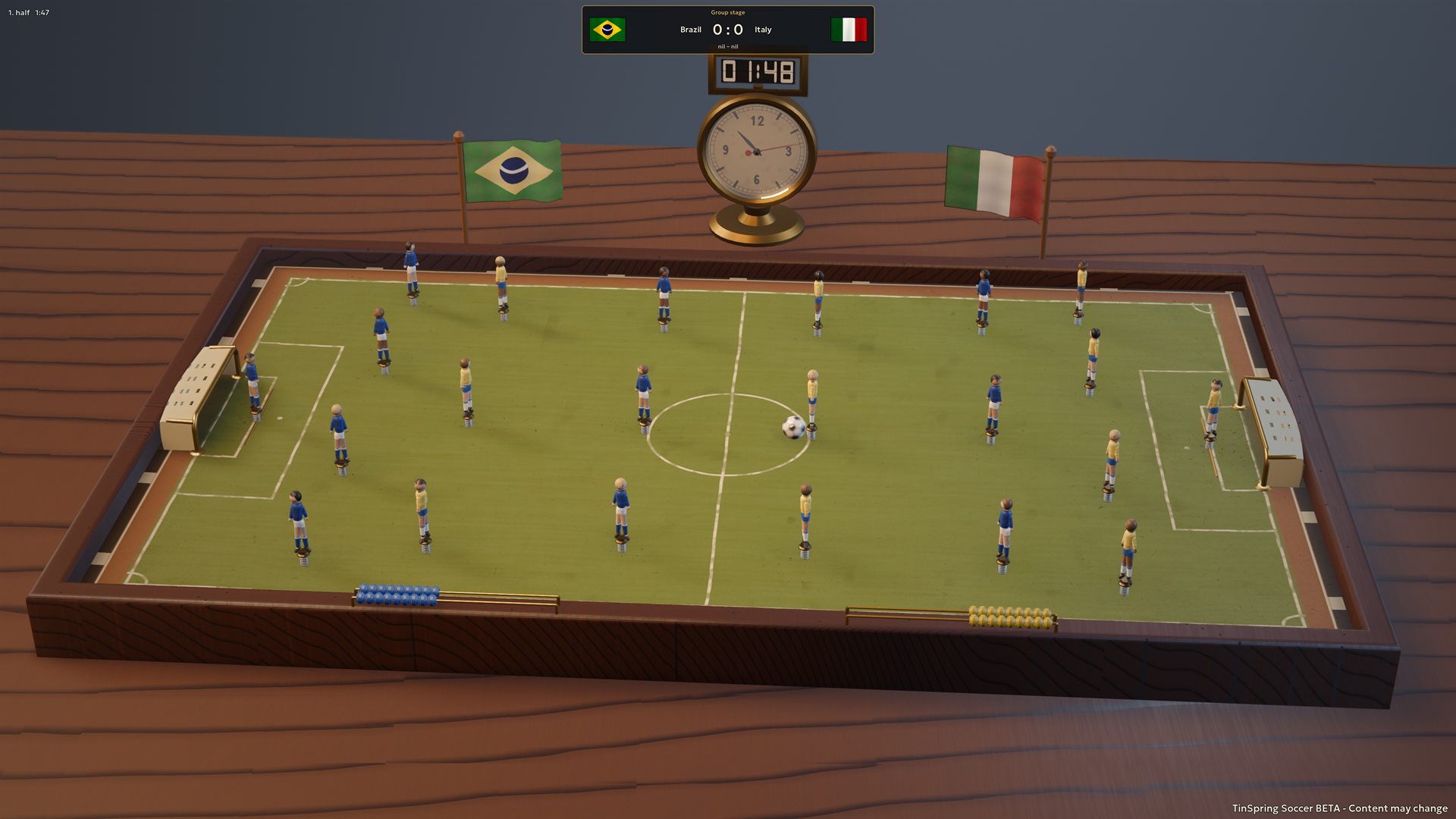
Screenshots
Want to know when it lands?
Drop us a line and we'll let you know as soon as there is something to play.
contact [at] gabooarts [dot] com